
Arborist report software
Reports generated from the field record.
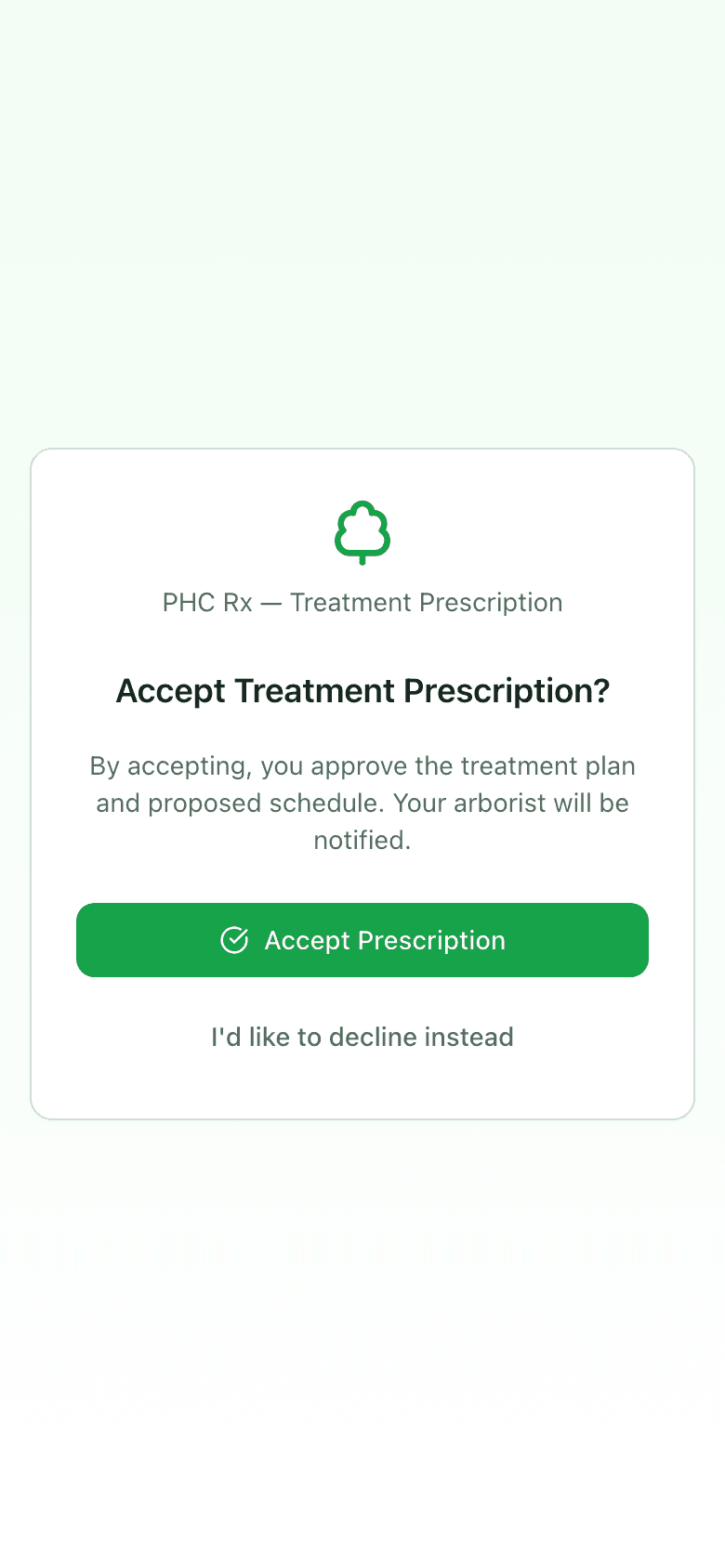
Diagnosis reports and risk assessment reports, built from what you entered on site, branded with your company name, logo, and license numbers, and sent as a link the client opens on their phone. You see when it was opened. They accept or decline the work from the same page.
2
report types: diagnosis and treatment, tree risk assessment
0
logins the client needs to open, read, accept, or decline
1
branding profile: name, logo, contact, licenses, certifications
9
sections you can include or leave out of a risk report
The gap
Why arborist reports take a weekend
The assessment happened Tuesday. The report gets written Saturday, from a form, a notes app, and a camera roll, into a document template that was last updated when the logo changed. Then it gets attached to an email that lands in a spam folder, and the client calls Monday to ask what they are supposed to do with it.
The data lives in three places
Form, phone, photos. Every report is a merge job, and every merge job loses something: the fall distance, the second target, which photo showed the crack.
The template is a document
The company name is in a header, the license number is in a footer, and both are wrong on the copy the new tech started from.
A PDF attachment is a dead end
No way to know it was opened. No way to say yes from it. The client prints it, loses it, and calls.
Branding
Your company on every report, set once.
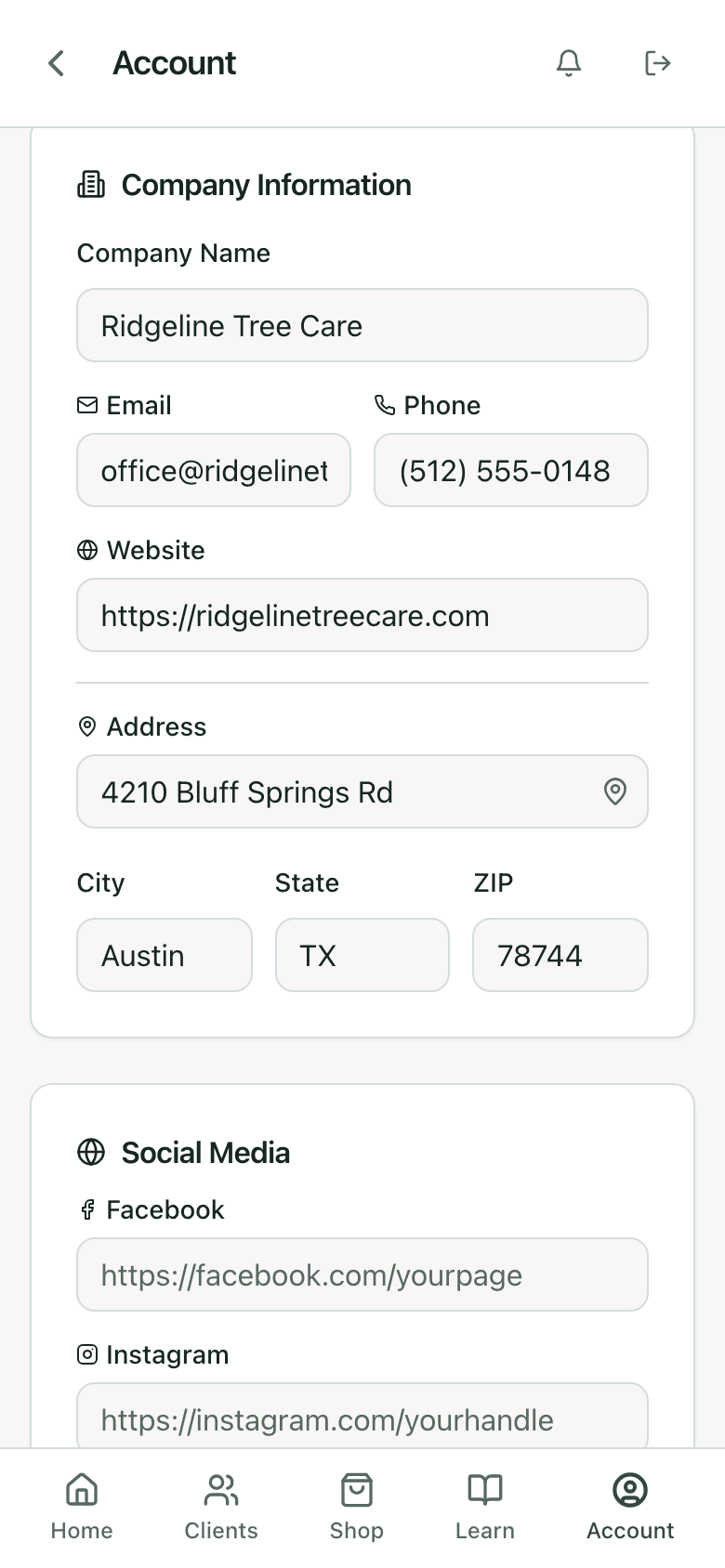
Company name, logo, phone, email, website, and address go on the report header. Licenses, with type, number, and state, and certifications, with issuer and year, print under the assessor. Social links if you want them. Set it in account settings and every diagnosis report, risk report, and prescription carries it. Changes save as you type.
- Logo upload, shown on the report header
- Licenses and certifications listed as credentials
- Applies to every report type and to the client-facing prescription page
Credentials
License numbers where a plan reviewer looks for them.
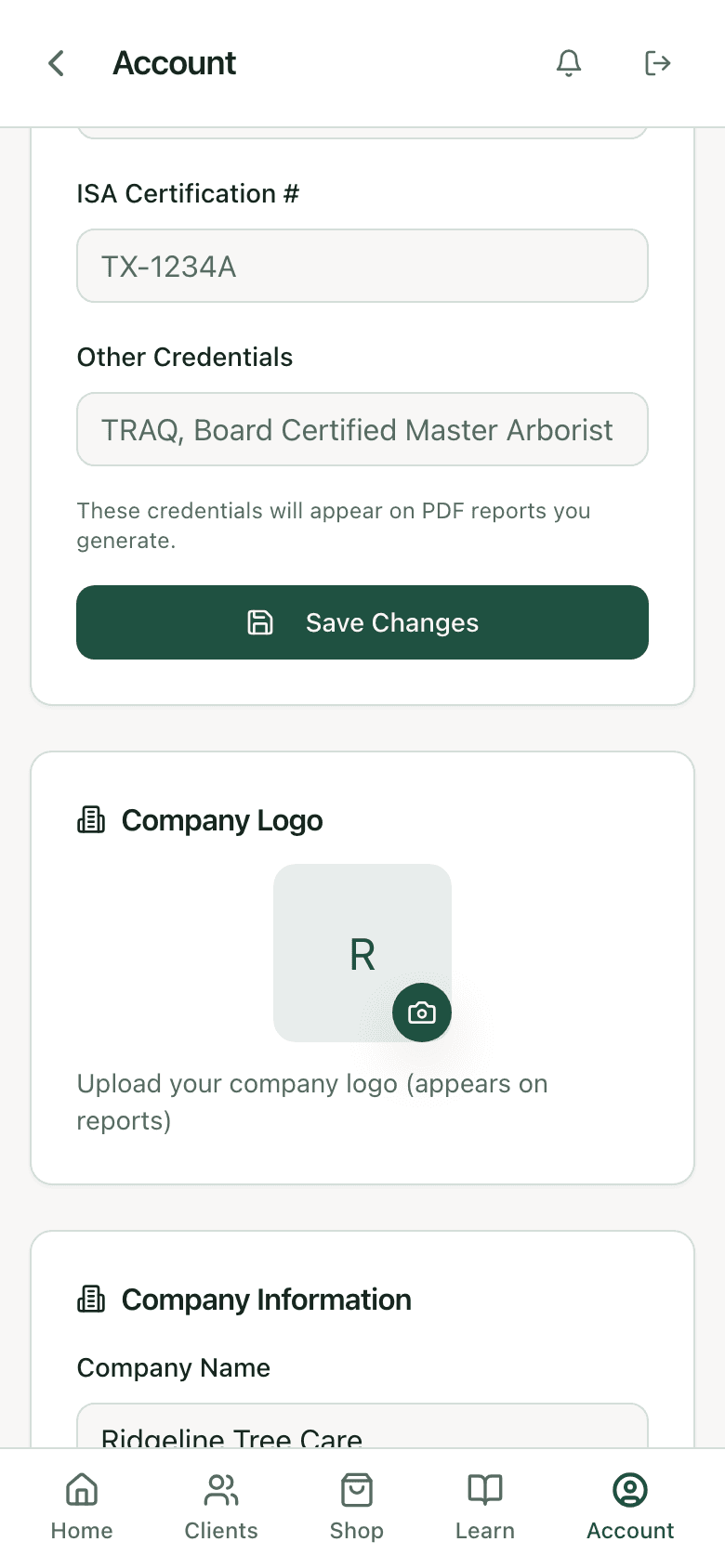
Certification numbers and other credentials on your profile appear on the reports you generate, so a municipal reviewer or an insurance adjuster can find the applicator license and the arborist certification without asking. Each tech on a team account has their own, and the report shows who did the work.
Diagnosis report
Built from the five-step diagnosis.
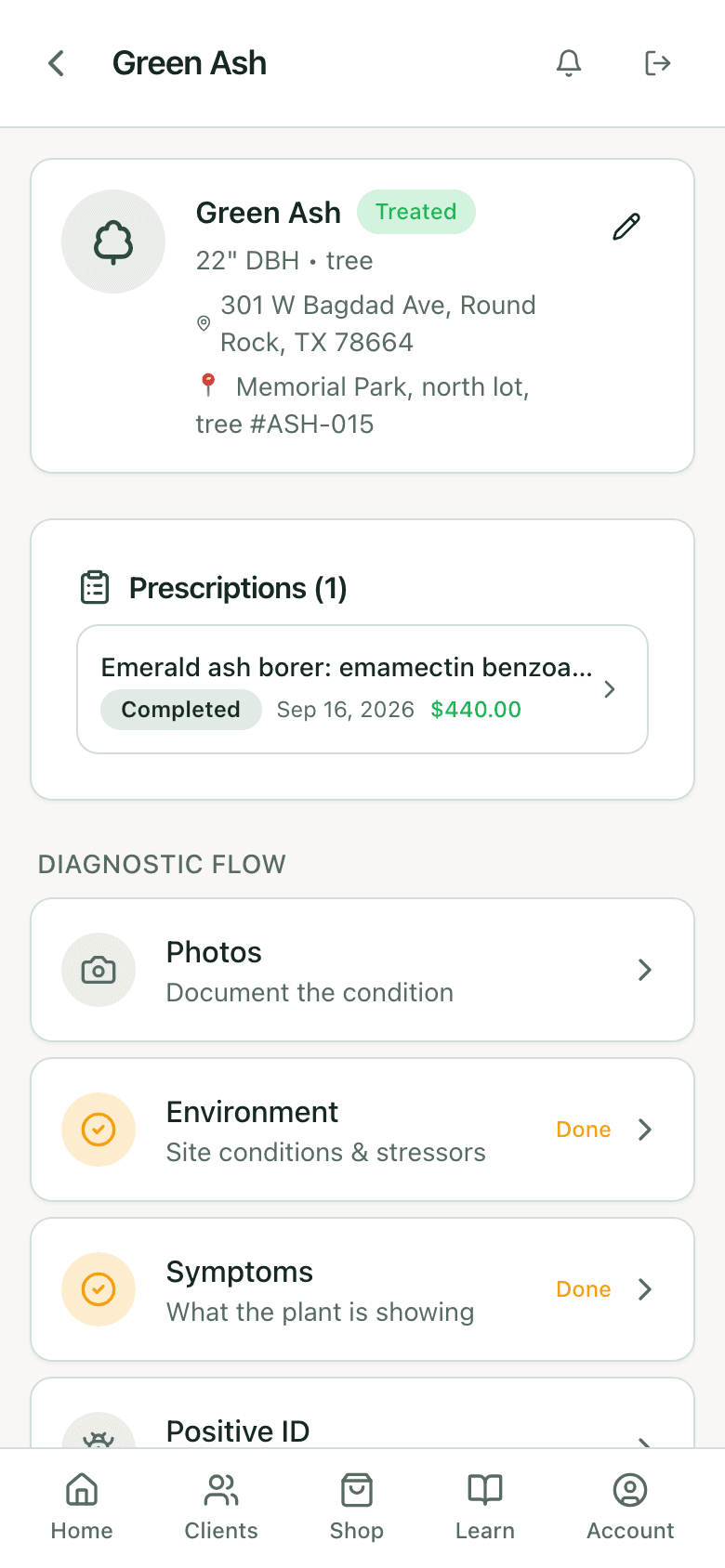
Species, DBH, location, the environment and symptom findings, the signs, the confidence rating and the factors behind it, the ranked issues, and the treatment packages with prices. Prices can be shown or hidden per send. The report is what the diagnosis produced, laid out for a client, with your disclaimer on it.
Risk report
Built from the nine-step assessment.
From the finalize step, choose the sections: tree identification, risk rating, targets, defects, mitigations, photos, defect narratives, and the risk and prognosis narratives. Email it or download it. The rating, residual risk, work priority, and inspection interval are the ones on the assessment, so the report cannot say something the record does not.
The assessment behind it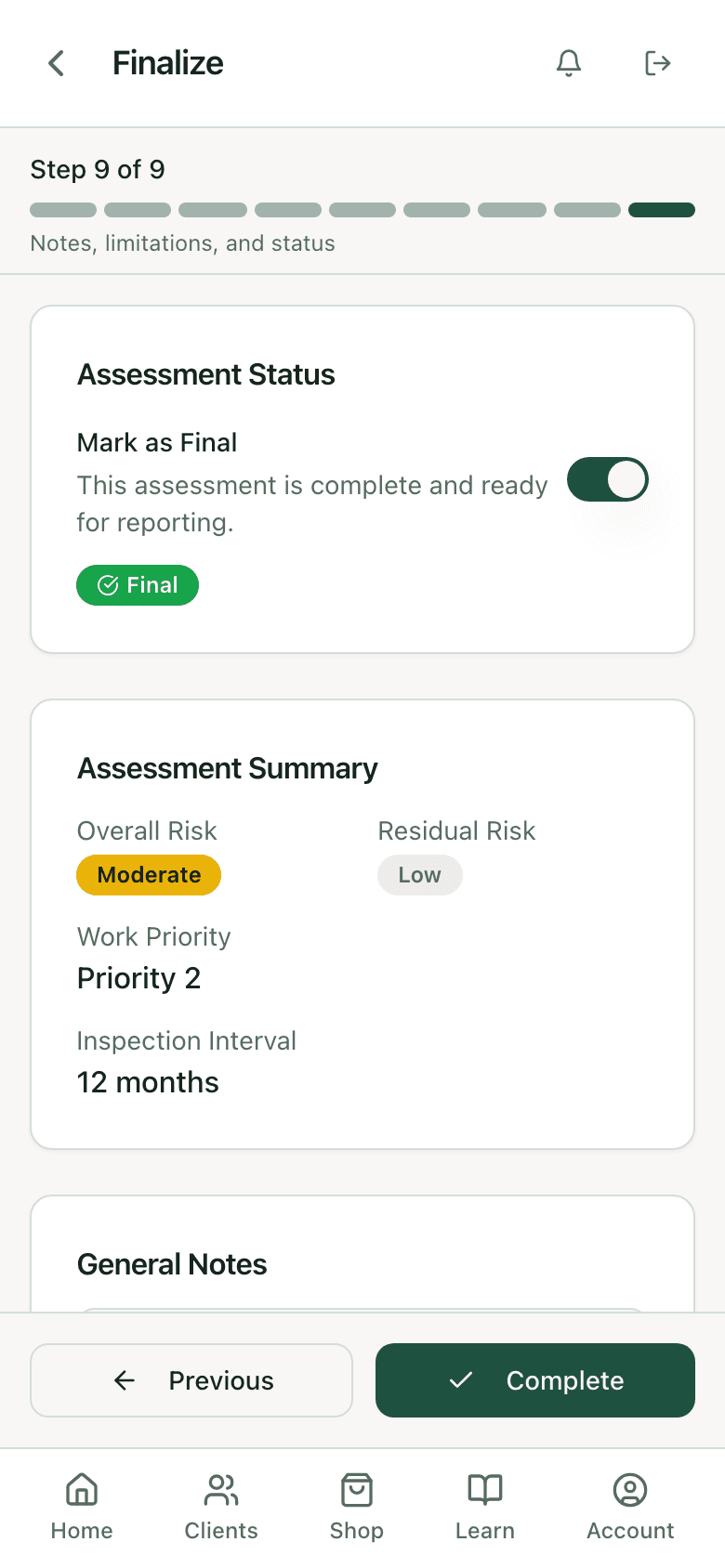
Delivery
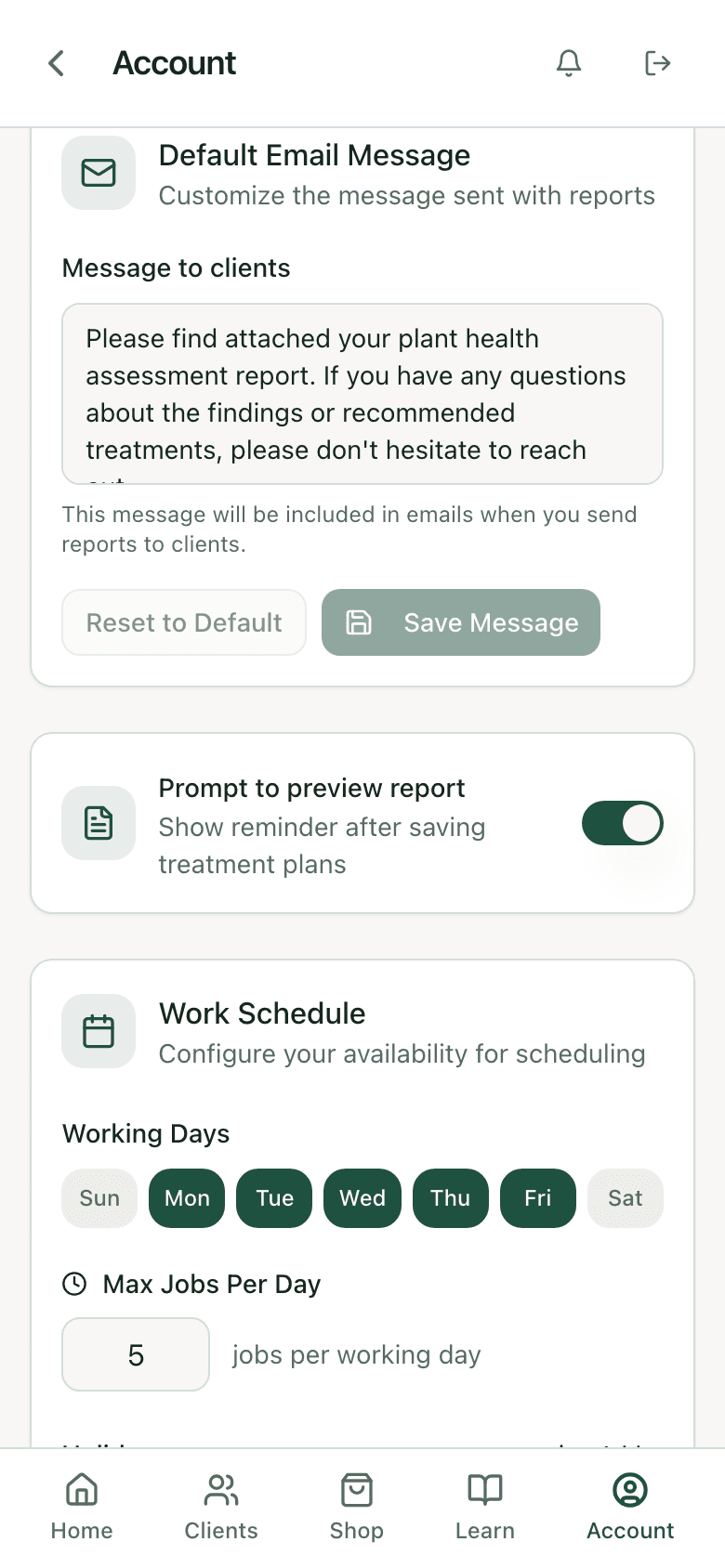
A link, with a default message you wrote once.
Reports and prescriptions go out by email with your default message, editable per send, and optional CC addresses for the property manager or the board. The client opens a link served by the app, not an attachment. Each open is logged with the time, so "I never got it" has an answer. Send history sits on the record.
Response
Accept or decline from the report page.
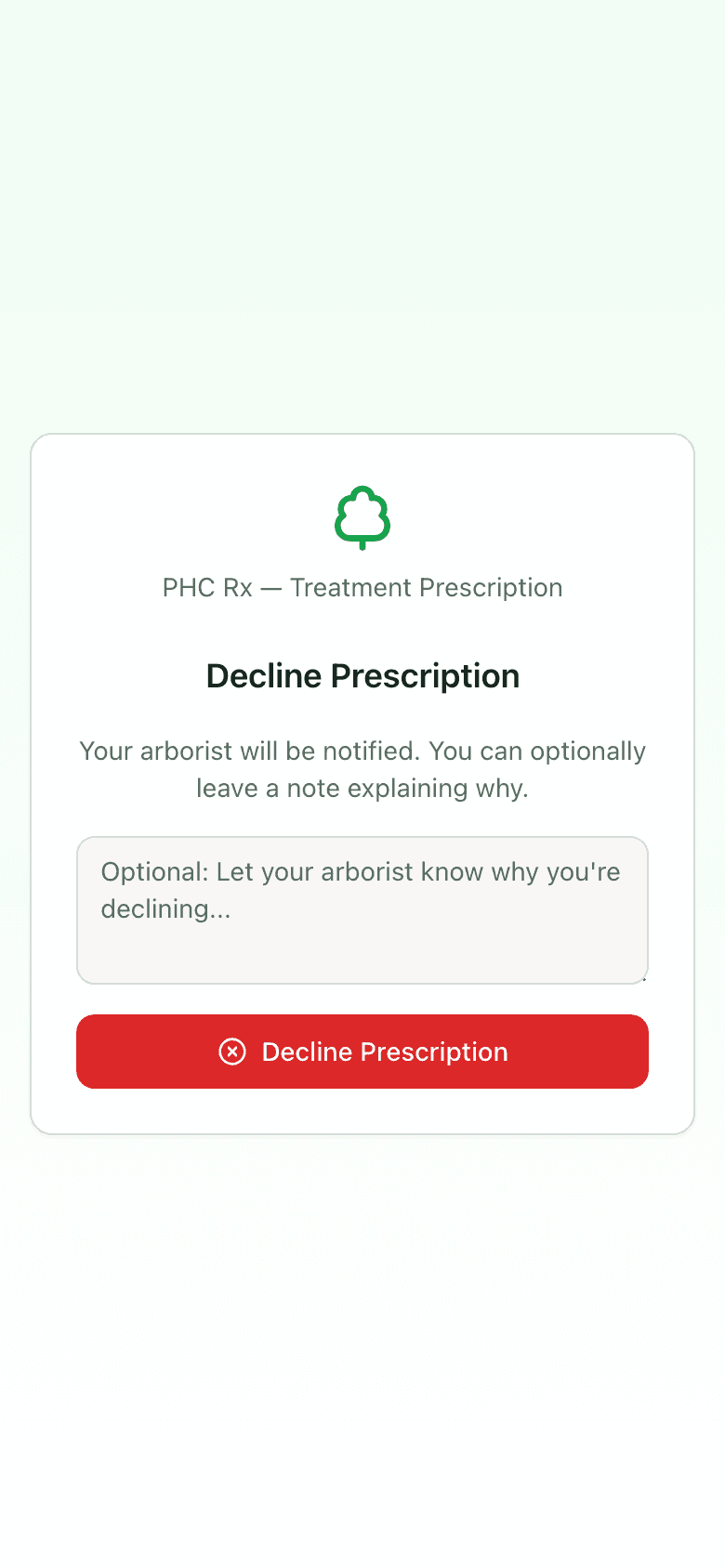
A treatment prescription arrives with accept and decline buttons. Accepting approves the plan and the proposed schedule and notifies you. Declining asks for an optional note and notifies you with the reason. No account, no password, no app to install. The status on your side updates the moment they tap. How prescriptions work.
Straight from the app
Where the report comes from and where it goes.
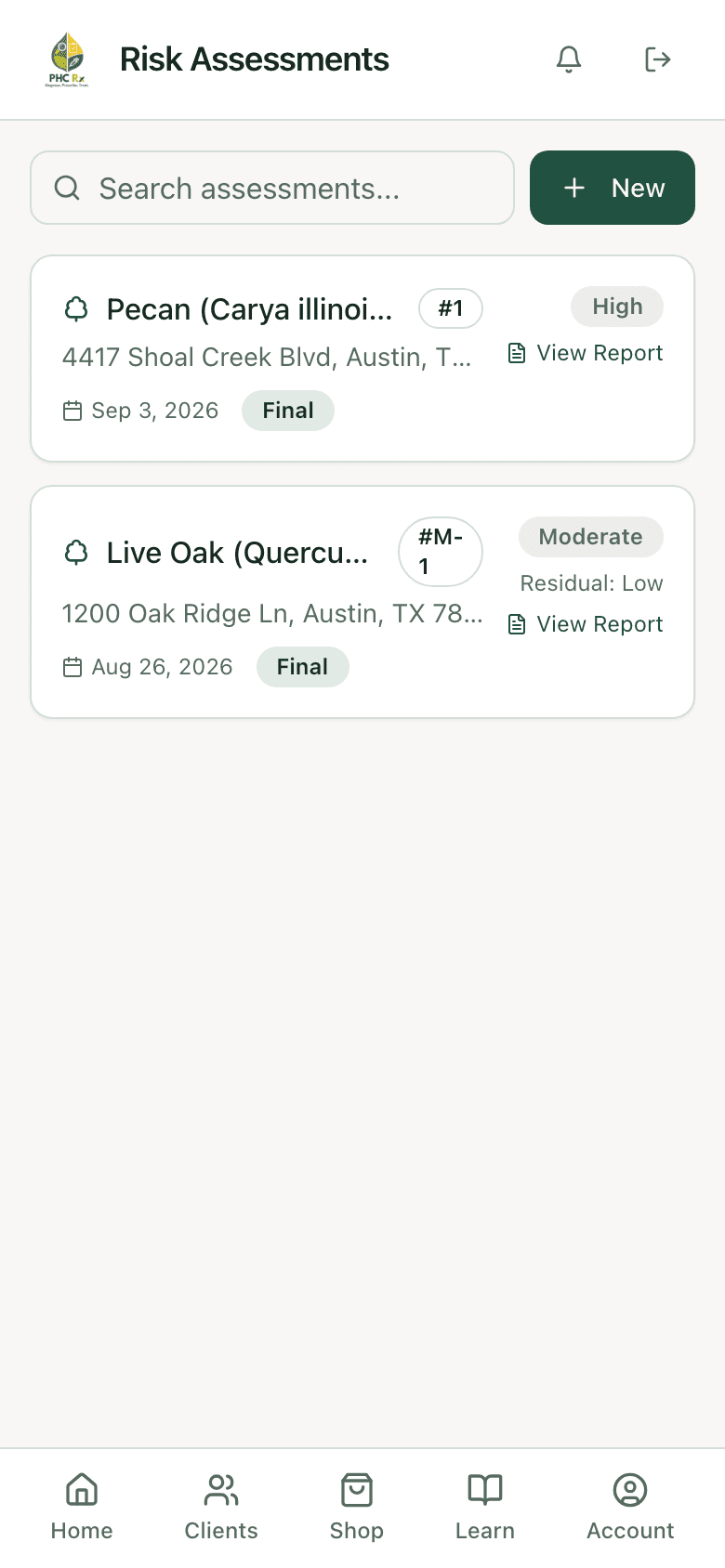
A report link on every assessment
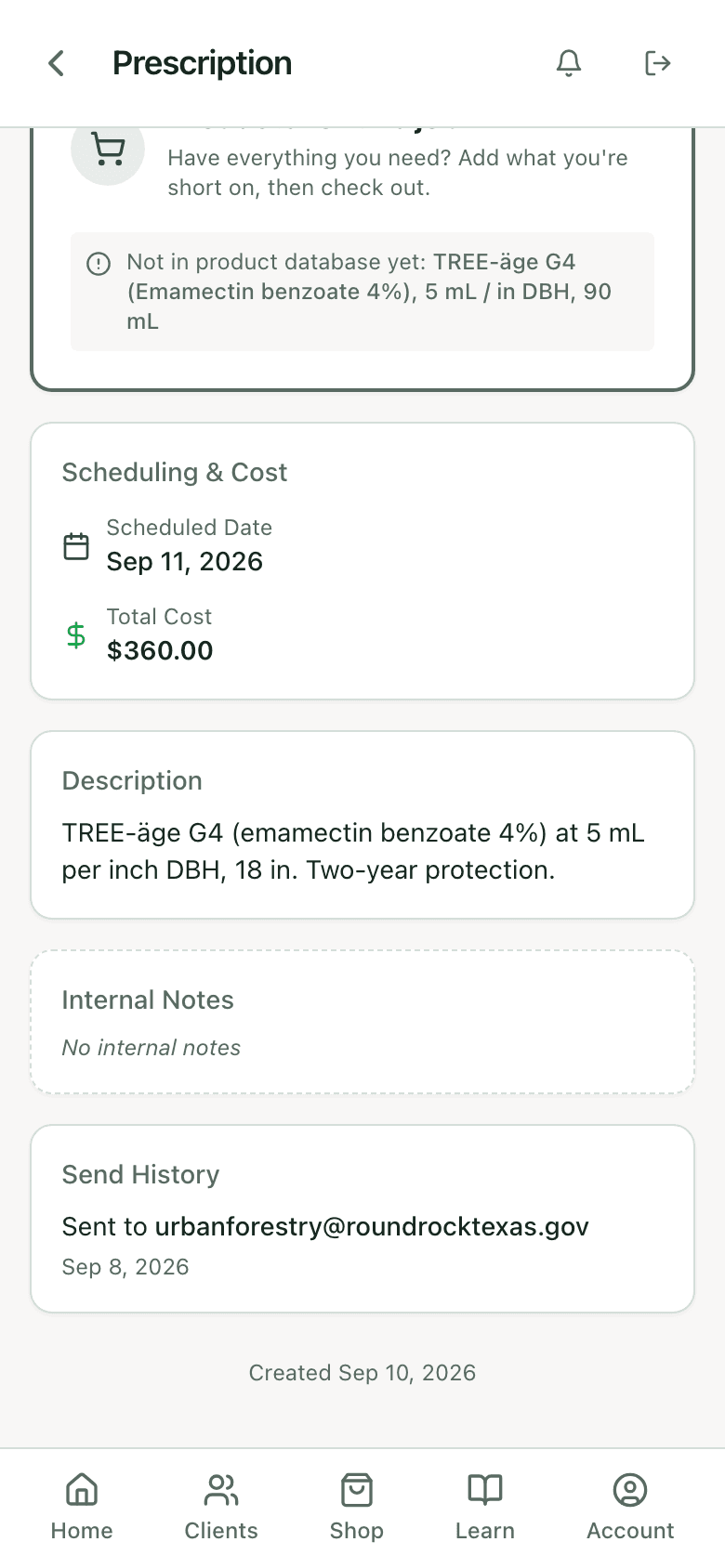
Send history on the record
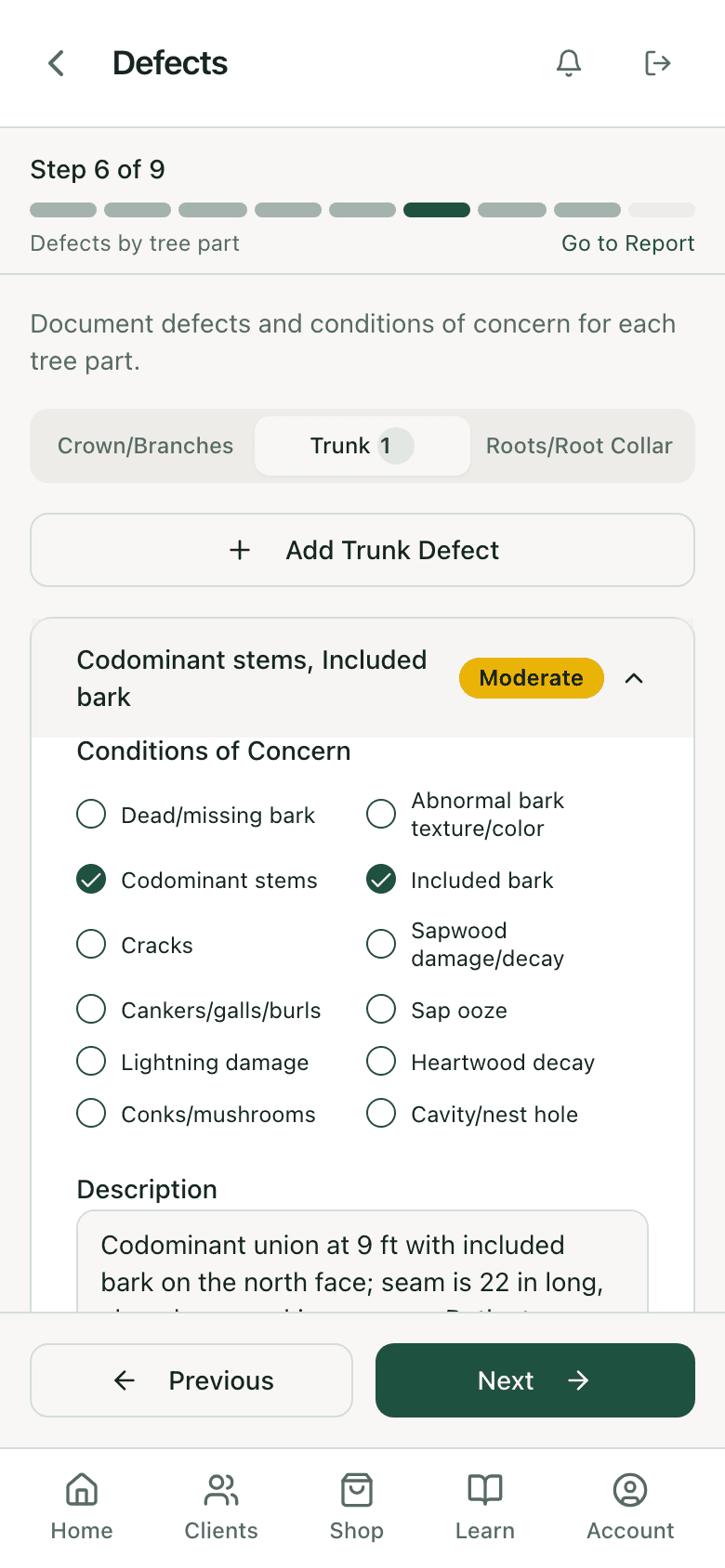
Defect narrative source
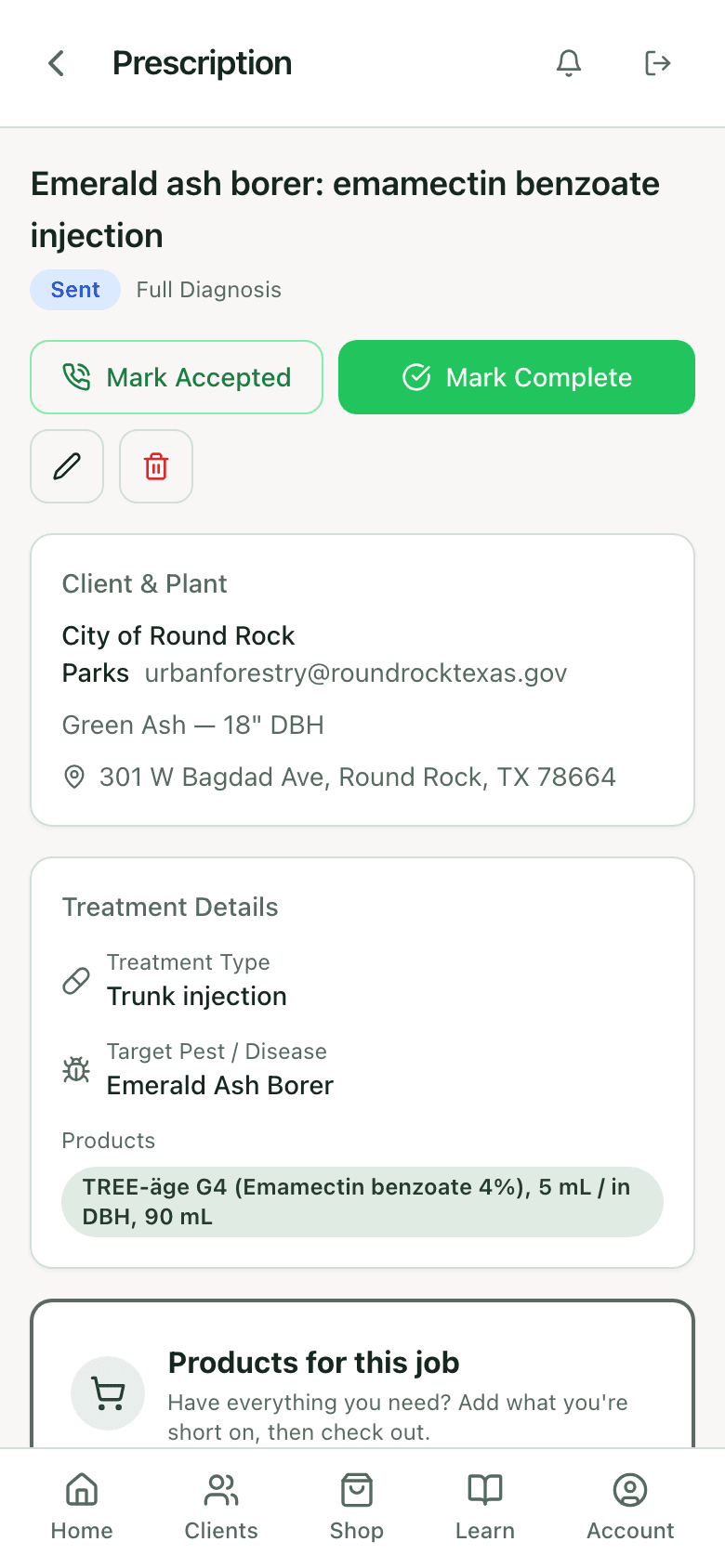
The prescription the client sees
What is in a diagnosis report
Prices are a per-send choice. A report for the homeowner shows them; the same report for a plan reviewer can leave them off. The treatments are the species-matched options from the diagnosis, with the label check already run.
Sections of the diagnosis and treatment report
Company header and credentials
- Source
- Company branding and profile
Tree: species, DBH, location, photos
- Source
- Plant record
Site and environment findings
- Source
- Diagnosis step 1
Symptoms and signs observed
- Source
- Diagnosis steps 2 and 4
Findings with confidence rating and factors
- Source
- Diagnosis results
Recommended treatments, rates, timing, prices
- Source
- Treatment packages and service pricing
Disclaimer
- Source
- Professional disclaimer, editable
Templates and paper
If you need a document to start from rather than a system, the arborist report template on this site lays out the same sections, and the risk assessment form matches the wizard step for step. Plenty of firms run both: paper in the field on a bad-signal day, entered into the app that evening, report generated from there.
Report, record, and compliance log are three different documents
The report is what the client reads: finding, confidence, recommendation, price, on your letterhead. The application record is what the state reads: product, EPA number, rate, volume, site, applicator, weather. The license and label checks are what keeps the second one clean. PHC Rx produces all three from the same field entry, so nothing is retyped and the numbers agree. The record and the license side are covered under arborist compliance software. If you write reports by hand today, start from the free arborist report template; the twelve sections there are the same twelve the app fills in.
FAQ
Questions arborists ask
Can I download the report as a PDF?
Yes. Both report types can be previewed and downloaded, and they can be emailed as a link the client opens in a browser.
Does the client need an account?
No. Reports and prescriptions open from a link. Accepting or declining a prescription happens on that page with no login.
Can I edit the report before it goes out?
The narratives, notes, and disclaimer are yours to write. The findings, ratings, rates, and prices come from the record so the report cannot contradict it. Change the record and regenerate.
Does it show my license number?
Yes. Licenses and certifications from company branding and the tech's profile print with the assessor on the report.
Can I see whether the client opened it?
Each open of a report link is logged with the time. Send history on the record shows who it went to and when.
Is there a report template I can use without the app?
Yes, the arborist report template covers the same sections as a download.
What does it cost?
Reports are part of every PHC Rx plan, from $99 a month, with diagnosis, risk assessment, prescriptions, and the label check. Plans and trial.
Related